Router & Mesh Troubleshooting
A clear, step‑by‑step static guide to check and improve Wi‑Fi coverage and speeds.
Step 1 — Locate and identify your router
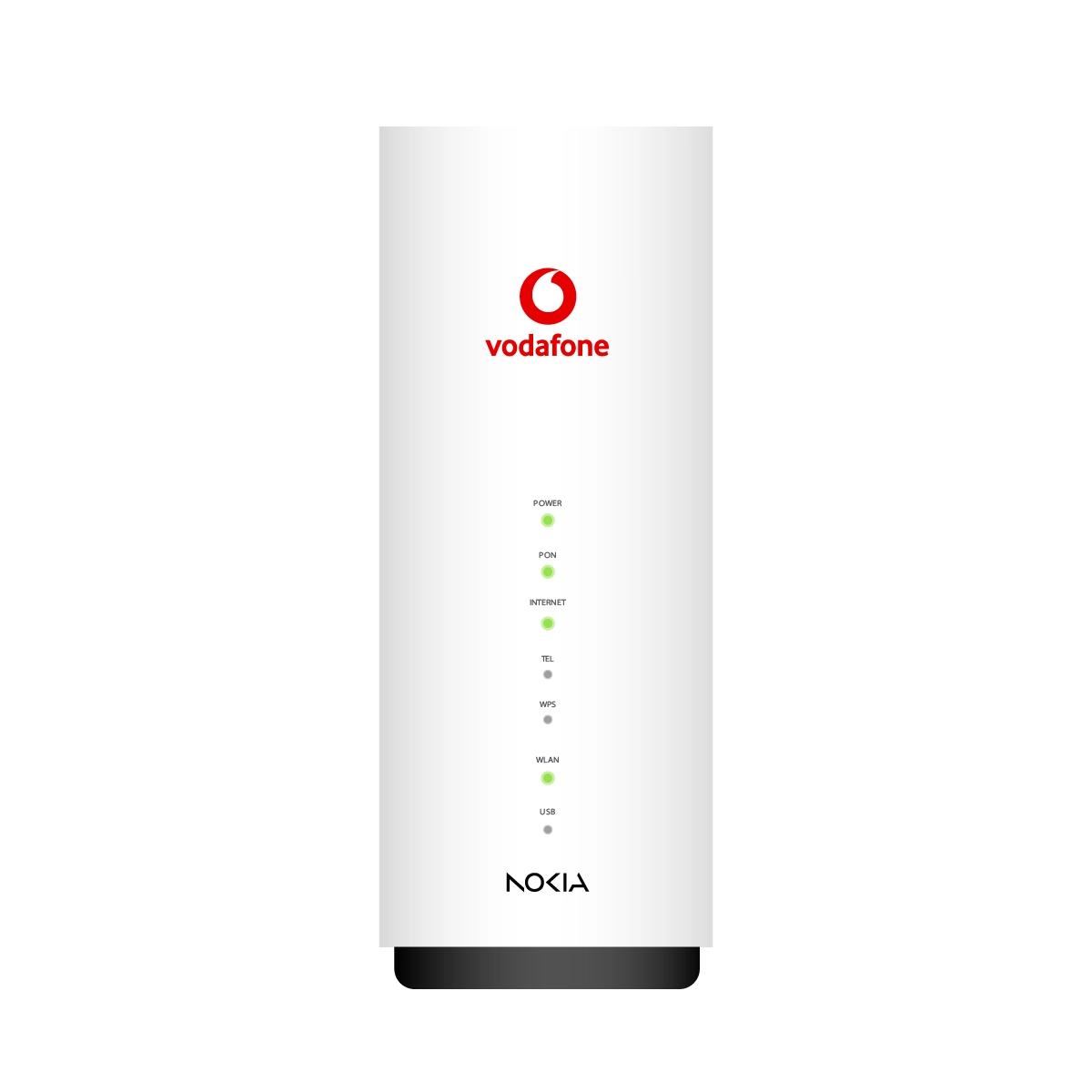
Typical placement and model infoIf there is no dedicated IT cabinet, Vodafone devices are commonly installed in the living room. Identify the Vodafone box and note the model (for example: VF WiFi 6 10 GE or VF WiFi 6 2.5 GE).
If your VF WiFi 6 10 GE included a mesh device, ensure you keep the mesh close to the main router during initial checks so you can verify cabling and basic connectivity.
Step 2 — Check Wi‑Fi signal strength
Start near the routerStand in the room where the router is located and observe the signal on a Wi‑Fi 6 capable device. Walk to rooms where you experience issues and note whether the signal weakens or drops.
-
Coverage issues are commonly caused by distance, walls, or interference. If coverage is insufficient across multiple rooms, consider adding a mesh unit or repositioning the router to a more central location.
Step 3 — Verify mesh cabling
Physical connection checkConfirm the mesh device is connected to the main router using a LAN cable. The cable should be plugged into the WAN port on the mesh device. A secure LAN connection is required for the mesh to extend the main network reliably.
-
If the mesh is not cabled, connect it and re-check coverage before proceeding to other troubleshooting steps.
Step 4 — Restart the router
Power cycle to clear transient issues- Switch the router off at the power outlet or use the router power button.
- Wait for 60 seconds.
- Turn the router back on and wait approximately 3 minutes for full boot.
-
A restart often resolves temporary connectivity or performance problems.
Step 5 — Perform a speed test
Use a Wi‑Fi 6 device close to the routerRun a speed test (for example, via Ookla Speedtest) while connected to the router. Ensure no heavy downloads, streaming, or other devices are consuming bandwidth during the test for accurate results.
-
If speeds are significantly lower than expected, repeat the test with an Ethernet connection to isolate whether the issue is Wi‑Fi related or a broader network problem.
Step 6 — Disable third‑party routers
Avoid IP conflicts and interferenceTurn off any third‑party Wi‑Fi routers or access points that are connected to your network. Third‑party devices can cause IP conflicts, overlapping Wi‑Fi channels, and instability when used alongside Vodafone equipment.
-
After disabling third‑party hardware, re-run the speed test and re-check coverage.
Conclusion
If speeds and coverage are restored, no further action is required. If problems persist after verifying cabling, restarting, testing speeds, and disabling third‑party routers, escalate to support for advanced diagnostics or consider professional site assessment for coverage planning.
Learn how to...


There is a slight damage on my power cable

How much do I pay for new installation or moving houses?

While you experience our 5G broadband, we're preparing for fiber to be ready at your location within the next 3 months